AI can draft emails, posts and essays in something close to your style, and giving it real samples of your writing helps. Research finds it copies structured formats like email better than casual blog writing, and the drafts still need your edits. Under US Copyright Office guidance, prompts alone don't make you the author.
| Product |  Claude |  ChatGPT |  Grammarly |  HubSpot Brand Voice | mull |
|---|---|---|---|---|---|
| Best for | Individuals and teams who want an AI assistant to draft documents, analyze data, build slides and spreadsheets, and run tasks across their connected apps. | Professionals, developers and everyday users who want an AI assistant for documents, slides, spreadsheets, coding and everyday tasks. | People and teams who want AI help to proofread, rewrite and adjust the tone of their writing across apps, browsers and devices. | Marketing teams already using HubSpot who want AI-generated blog posts, social content and landing pages that stay grounded in their brand voice. | People who want posts drafted from their own spoken or typed answers to a short interview. |
| Price from | $20.00 a month | Not stated | $30.00 a month | Not stated | $19.00 a month |
| Free plan | Yes | Not stated | Yes | No | Yes |
| Voice input | Yes | Not stated | Not stated | Not stated | Yes |
| Mobile app | Yes | Not stated | Yes | Not stated | No |
Key takeaways
- In a 2025 study, giving a model a few samples of an author's writing produced up to 23.5x higher style-matching accuracy than giving none.
- Across more than 400 real authors, models approximated style in news and email but struggled with informal blogs and forums.
- HubSpot brand voice asks for two to three samples: at least 150 words each for email or social, 500 for blogs.
- The US Copyright Office says prompts alone don't make AI output protectable, but your edits and arrangements can be.
Type “ai write for me” into a search bar and you’ll find plenty of tools that will draft your emails, posts and essays. Getting that draft to sound like you is harder. Giving a tool samples of your own writing helps. Even then, research shows AI copies structured formats like email better than casual writing, so plan on editing the draft yourself.
This guide covers what the research says, how the voice features in Claude, ChatGPT, Grammarly, HubSpot and mull work, what the plans cost where a tool’s own pages list a price, and who owns the finished text.
Can AI write for me and actually sound like me?
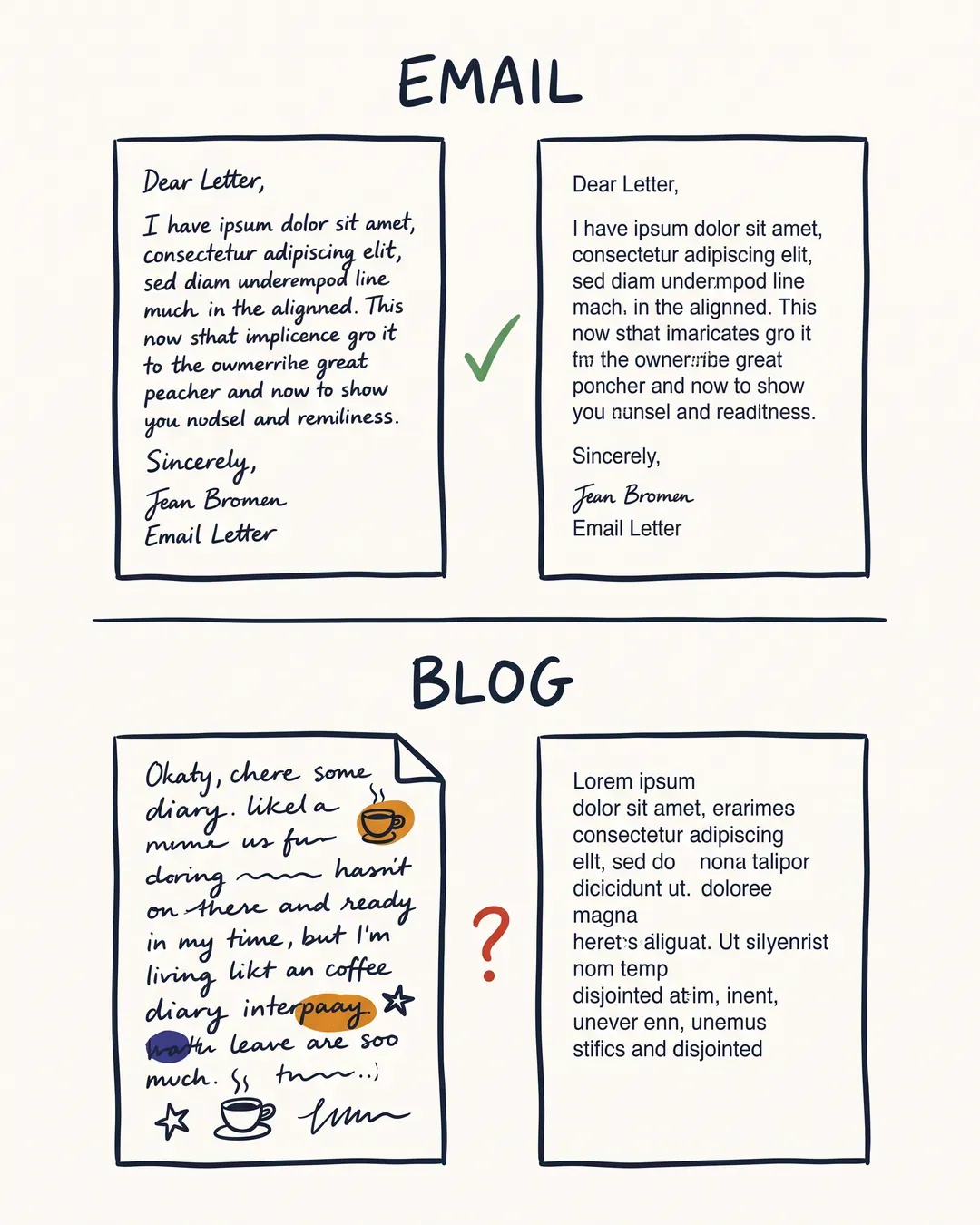
AI can get part of the way to your voice, and how far it gets depends on what you’re writing. A September 2025 study, Catch Me If You Can? Not Yet, tested leading models on writing samples from more than 400 real authors. It ran over 40,000 generations per model across news, email, forums and blogs. The models could approximate users’ styles in structured formats like news and email, but they struggled with “nuanced, informal writing in blogs and forums.”
400 authors
Real authors whose writing samples were used to test leading models
Source: arxiv.org, as of Nov 29, 2026
40,000 generations
Generations per model across news, email, forums and blogs
Source: arxiv.org, as of Nov 29, 2026
23.5 x
Higher style-matching accuracy with a few examples of the author's writing than with none
Source: arxiv.org, as of Nov 29, 2026
The authors state the core problem plainly. Personal style is “subtle and implicit, making it difficult to specify through prompts.”
A second 2025 paper, How Well Do LLMs Imitate Human Writing Style?, found that the way you prompt matters more than model size. Giving the model a few examples of the author’s writing (few-shot prompting) produced up to 23.5x higher style-matching accuracy than giving it none.
Does editing the AI draft fix it?
Editing the AI draft yourself makes it sound significantly more like you, though some AI traces remain. In a study of post-editing for personal style, participants’ post-edited drafts sounded significantly more like their own unassisted writing and significantly less like AI text. Afterward, 58 participants said they would rather post-edit AI drafts for writing where style matters, 20 preferred to write without AI, and 3 would use the drafts unedited. Participants also rated writing alone as somewhat more mentally demanding and time-consuming than post-editing.
- Post-edit AI drafts58 participants
- Write without AI20 participants
- Use AI drafts unedited3 participants
Source: arxiv.org, as of Nov 29, 2026
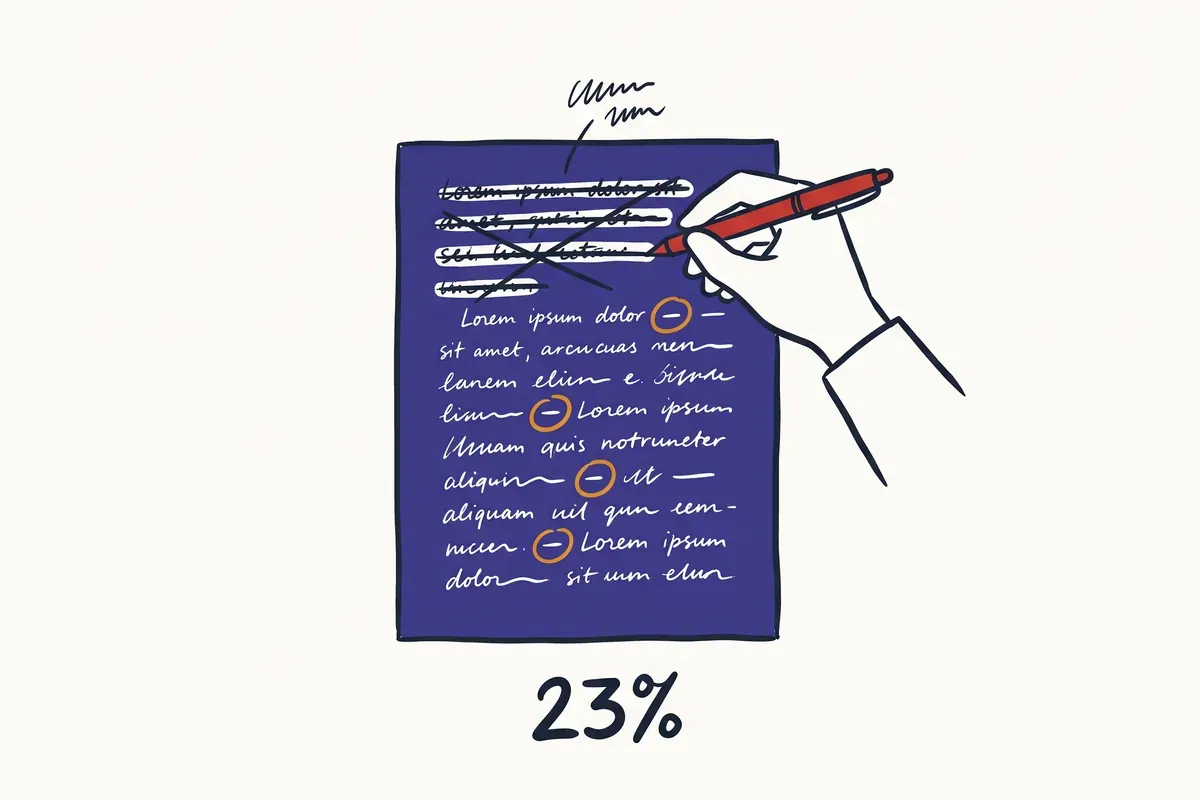
Some AI fingerprints survived the edits. The edited drafts stayed closer in style to the AI text than to participants’ own unassisted writing, and edited texts from different people resembled each other more than each person’s own writing, which the researchers describe as AI style features “consistently preserved after post-editing.” Participants removed 23% of the em dashes in the drafts, and words like “exploring,” “guiding” and “understanding” mostly stayed. The biggest obstacle participants named was the lack of originality in the AI text.
How do “write like me” features work?
Write-like-me features work in one of two ways. Either you describe your style in words, or you hand over samples and the tool infers your style from them.
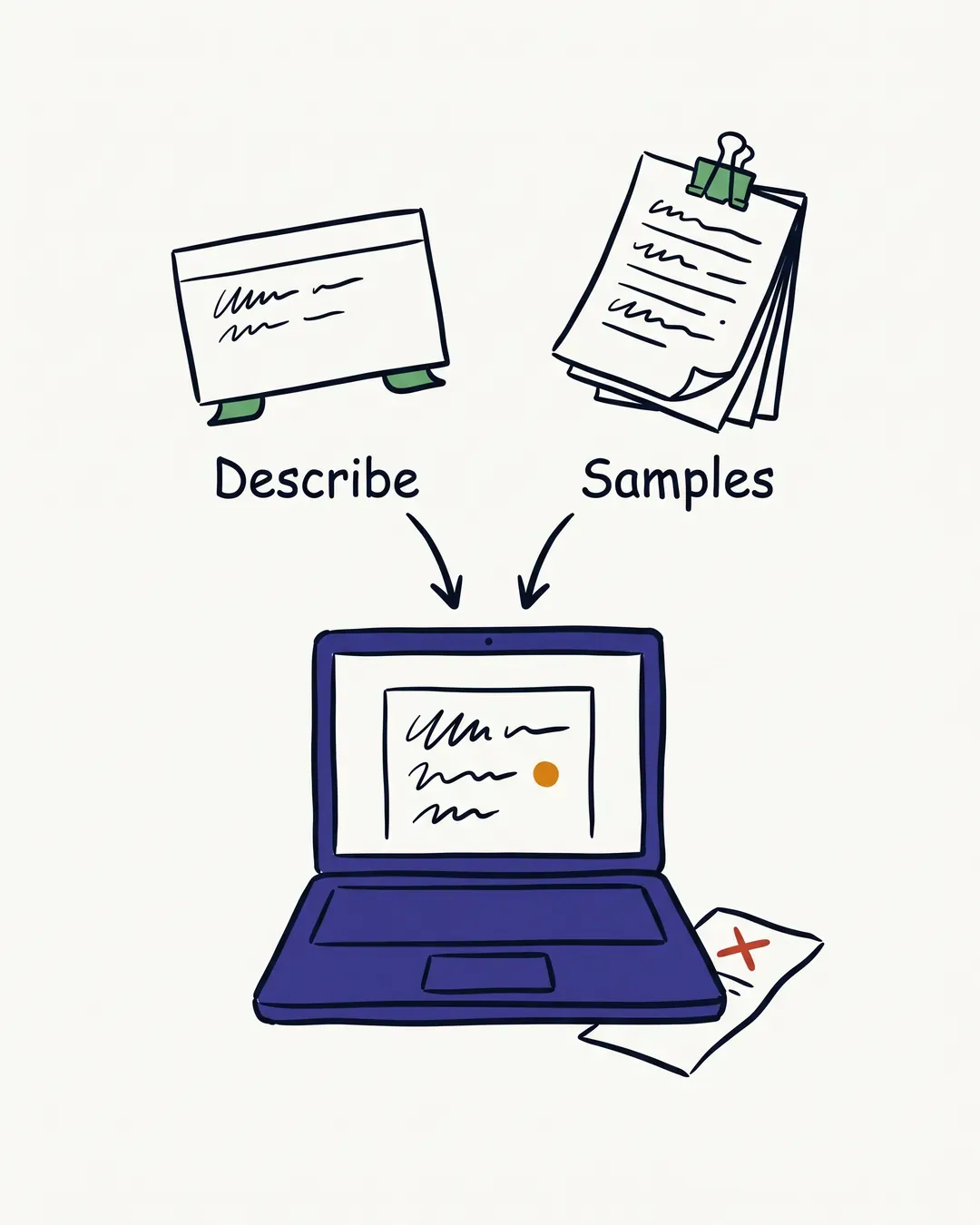
- Descriptions. ChatGPT’s Custom Instructions take “preferences on tone, level of detail, and areas of focus.” Claude’s Instructions for Claude set “preferences that apply across every conversation.” Grammarly’s tone adjustments range “from formal to friendly.”
- Samples. HubSpot’s brand voice analyzes uploaded writing samples “to identify patterns such as sentence structure, pronoun usage, tone, and formatting.” OpenAI’s guide also suggests pasting examples of your writing straight into a chat.
What the research does show is that examples help: few-shot prompting beat prompting with no examples in the imitation study above, and the 400-author paper starts from the premise that personal style is hard to put into a prompt.
Which tools let you train AI on your writing?
Of the tools below, HubSpot is the one whose help pages make training on samples a dedicated setup step. ChatGPT supports samples through prompts, memory and projects. Claude leans on instructions and saved preferences, and Grammarly on tone settings and team brand voice. mull takes a different route and interviews you. For a wider look by use case, see the best AI for writing.
Can Claude write in your style?
Best for: one assistant for drafts, documents and research, with preferences that carry across chats.
Claude can keep your preferences between conversations. Its own product overview doesn’t describe a feature called “styles” or say it learns from writing samples. What it does list:
- Instructions for Claude: “Set preferences that apply across every conversation.”
- Skills: “Teach Claude new skills, record them, and share with your team.”
- Saved context: Claude “keeps context, projects, and preferences, repeats a saved skill your way.”
The same page pitches Claude for “a first draft” and for a “draft you can edit and put your name on.” It also works inside other apps: Claude in Chrome “lives inside Chrome, ready wherever you browse,” and Claude for Microsoft 365 “lives inside the Microsoft 365 apps you already use.”
Cost, per Claude’s pricing page: the Free plan has limited usage every 5 hours and every week and includes memory across conversations. Pro is $20 if billed monthly, or $200 billed up front for a year, and adds projects to organize your chats and documents. A standard Team seat is $25 per seat per month if billed monthly, or $20 billed annually. Prices exclude tax and are “subject to change at Anthropic’s discretion.”
How do you make ChatGPT write like you?
Best for: setting a voice at several levels, from a single chat to a whole project.
- Set custom instructions: go to your profile, then click Personalize.
- Paste samples and ask it to summarize your tone and style, including word choice, sentence length and formality.
- Ask it to mirror this style in a new draft, matching tone, pacing and structure.
- Turn on memory so it can remember your style preferences across conversations.
- Use project instructions to define the style and tone for a specific body of work.
You make ChatGPT write like you by layering instructions and samples. OpenAI Academy’s guide to customizing ChatGPT lays out these moves:
OpenAI’s announcement of GPT-6.2 Astra and Sol says Astra’s documents “read less like AI, and more closely follow the templates you provide,” with “fewer generic takeaways and less filler.” Those are OpenAI’s own claims. Both models are available to Plus, Pro, Enterprise and Edu users in ChatGPT Work. The announcement gives API token prices but no ChatGPT subscription prices, so check the plan page before you pay.
What do Grammarly’s voice features do?
Best for: polishing text you’ve already written, inside the apps where you write it.
Grammarly offers tone and voice suggestions for the text you write, and every plan also includes text generation with AI prompts. The Grammarly homepage promises suggestions that help you “strike the right tone without losing your authentic voice.” It also lists a Humanizer agent that will “Give your writing personality.” The features page adds a Paraphraser that adjusts writing “to sound more creative, professional, or simply more you.” It says Grammarly works across 1 million+ apps and websites “without copying, pasting, or breaking focus.”
For teams, the features page says Grammarly Business customers get brand tones and style guides, and teams can “Customize your brand voice and guide your team’s tone in every context in real time.”
Cost, per the Grammarly Pro page: Free is $0 with 100 AI prompts. Pro is $12 per member per month billed annually, or $30 billed monthly, and adds full-sentence rewrites, tone adjustment and 2,000 AI prompts. Enterprise is priced through sales and has unlimited prompts. The features page’s FAQ still lists Pro at 1,000 AI prompts per month, so confirm the current number on the plans page.
How does HubSpot brand voice learn from your samples?
Best for: marketing teams already on a HubSpot Professional or Enterprise plan that want AI content to match the company’s existing writing.
Checklist
- Email, SMS and social media samples are at least 150 words each
- Blog, case study, page and podcast samples are at least 500 words each
- No sample is longer than 10,000 words
- At least two to three samples added for best results
- Super Admin or Edit account defaults permissions to set it up
- A Professional or Enterprise subscription that includes brand voice
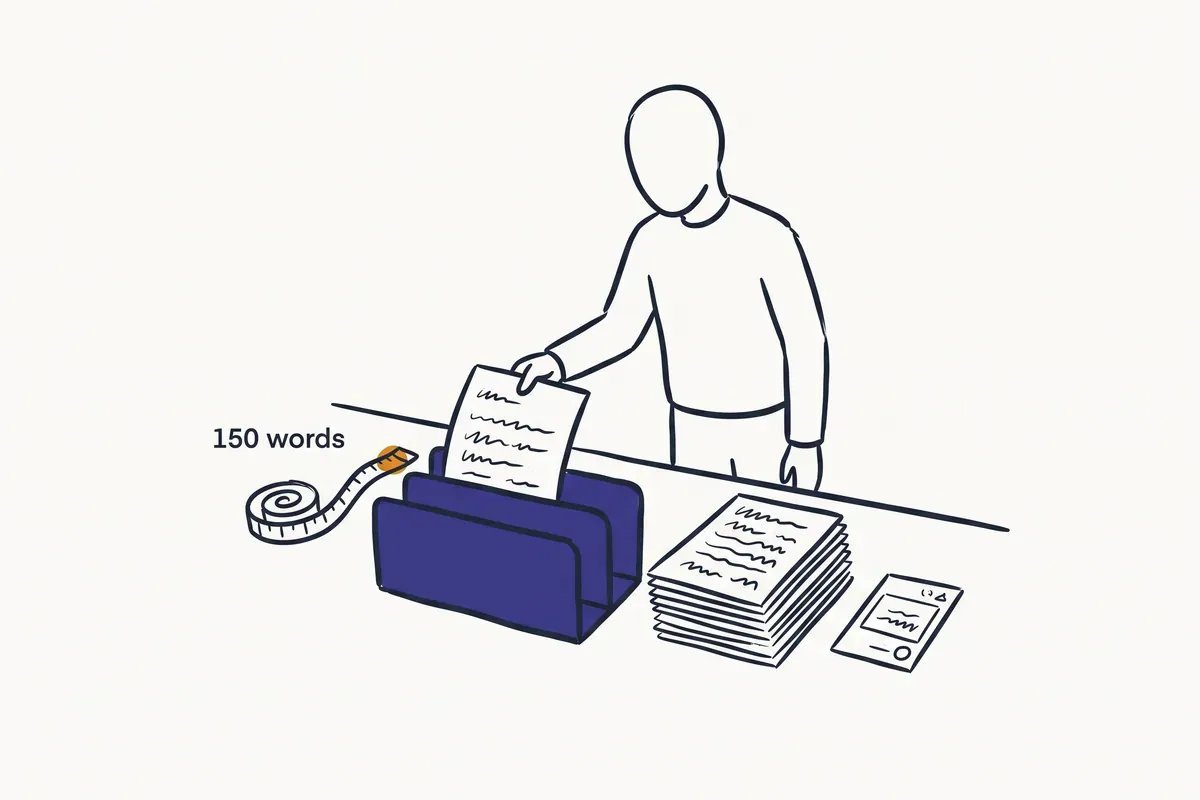
HubSpot brand voice analyzes writing samples you upload and applies the patterns it finds in supported tools, such as Breeze Assistant and AI-generated blogs. It’s built to reflect “your company’s writing style and tone.” According to HubSpot’s setup guide:
- Samples for email, SMS and social media must be at least 150 words. Blogs, case studies, pages and podcasts need at least 500 words. No sample can exceed 10,000 words.
- For best results, add at least two to three samples.
- Setting it up requires Super Admin or Edit account defaults permissions.
- Brand voice is available with Professional and Enterprise subscriptions of Marketing Hub, Sales Hub, Service Hub, Data Hub, Content Hub, Smart CRM and Revenue Hub.
To add samples, click More in your HubSpot account, then go to Marketing > Brand. If More doesn’t appear, go to Marketing > Brand directly. If you use the Brands add-on, pick a brand from the dropdown in the top-right. Open the Brand Voice tab, then the Writing Samples tab, and click Add/manage samples. Choose a content type, then upload a file, browse your existing HubSpot content, or paste the sample into the text field. Repeat for each sample, then click Generate brand voice.
HubSpot’s marketing software page says its Content Agent creates “blog posts, social content, and landing pages grounded in your brand voice.” For context, HubSpot’s free CRM page lists a free tier with Breeze Assistant and an AI content writer. Paid seats start at $15 a month for Starter, a new-customer discount that HubSpot says can be discontinued at any time, then $50 for Professional and $75 for Enterprise. Since the help article lists brand voice only for Professional and Enterprise, the free tier and Starter don’t include it.
How is mull different from a prompt box?
Best for: anyone who wants posts built from what they actually said, using facts they confirmed.
mull drafts posts by interviewing you first instead of writing from a prompt. It asks one question at a time, and you answer by voice or by typing. Before it writes, it shows you the facts it heard so you can confirm them. Then it drafts the post in your voice.
Plans: Free gives 3 posts in total with no card. Starter is $19 a month for 10 posts, Pro is $39 a month for 30 posts, and yearly billing gives 2 months free.
mull writes posts. For emails, essays, documents or a whole team’s brand voice, ChatGPT, Claude, Grammarly or HubSpot cover more ground.
How do you get better results from any of them?
The setup advice in these tools’ own guides comes down to matching samples to the output, naming the setting and keeping one style per job, then revising the draft by hand.
- Match samples to the output. HubSpot sorts samples by content type and sets length floors by format: 150 words for email, SMS and social, 500 for blogs. OpenAI’s guide suggests pasting examples of your writing and asking ChatGPT to summarize your tone first.
- Name the setting. OpenAI’s guide suggests prompts like “Draft this in a casual, conversational tone as if writing a team Slack update.” For more wording ideas, see prompts to make AI write like a human.
- Keep separate styles for separate tasks. ChatGPT’s project instructions define “the style and tone for a specific body of work,” so a client-email project and a blog project can carry different instructions.
- Edit last, and hunt the leftovers. Em dashes and stock words tend to survive editing. A list of the signs of AI writing helps you spot them.
Example: tightening an AI follow-up email
Example: you asked an AI tool for a follow-up after a client call. Its draft reads:
Before
I hope this email finds you well! I wanted to follow up on our insightful conversation and explore how we can move forward together — let me know your thoughts!
After
Thanks for the call today. I'll send the revised quote by Thursday. If a March start still works, we're set.
I hope this email finds you well! I wanted to follow up on our insightful conversation and explore how we can move forward together — let me know your thoughts!
You rewrite it the way you actually write to clients, short and concrete:
Thanks for the call today. I’ll send the revised quote by Thursday. If a March start still works, we’re set.
What changed: the em dash and “explore” are gone, and the vague invitation became a date and a next step. In the post-editing research, participants removed only 23% of the em dashes and rarely removed words like “exploring,” so check for both on purpose.
Who owns what AI writes for you?
In the US, you can hold copyright only in the parts of an AI-assisted text where a human determined the expression. The Copyright Office’s Part 2 report, released January 29, 2025, concludes that AI outputs are protectable “only where a human author has determined sufficient expressive elements.” That can include your own writing visible in the output, or your creative arrangement or modification of it, “but not the mere provision of prompts.” Using AI to assist, or including AI material in a larger human work, “does not bar copyrightability.”
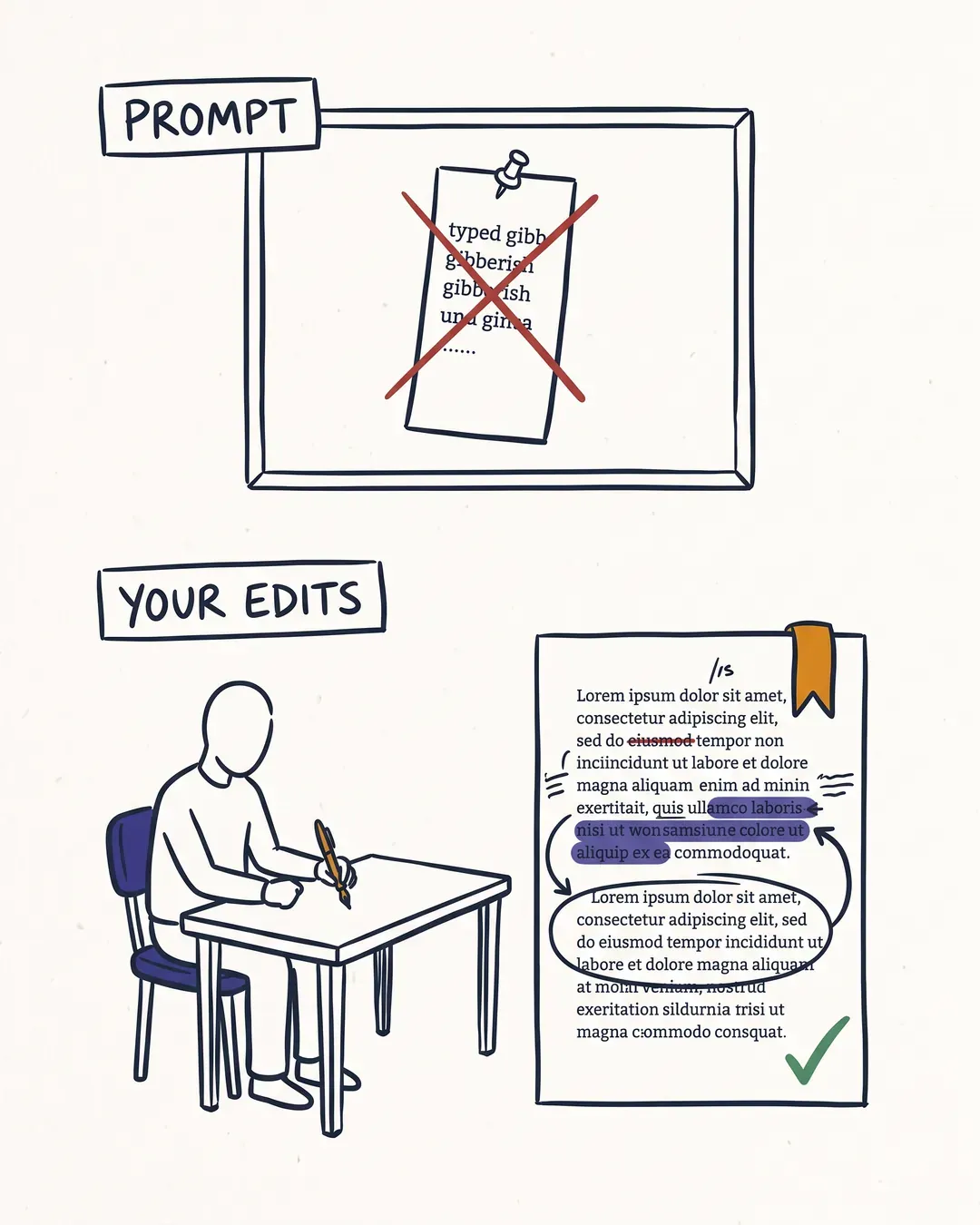
For a writer, the practical point is that your rewrites and the structure you impose can count toward authorship, and a prompt can’t. If ownership matters for a book, a client deliverable or a ghostwritten piece, make sure your own expressive changes are in the final text. The Copyright Office’s AI page lists the report’s parts as they are published.
How many people already use AI to write?
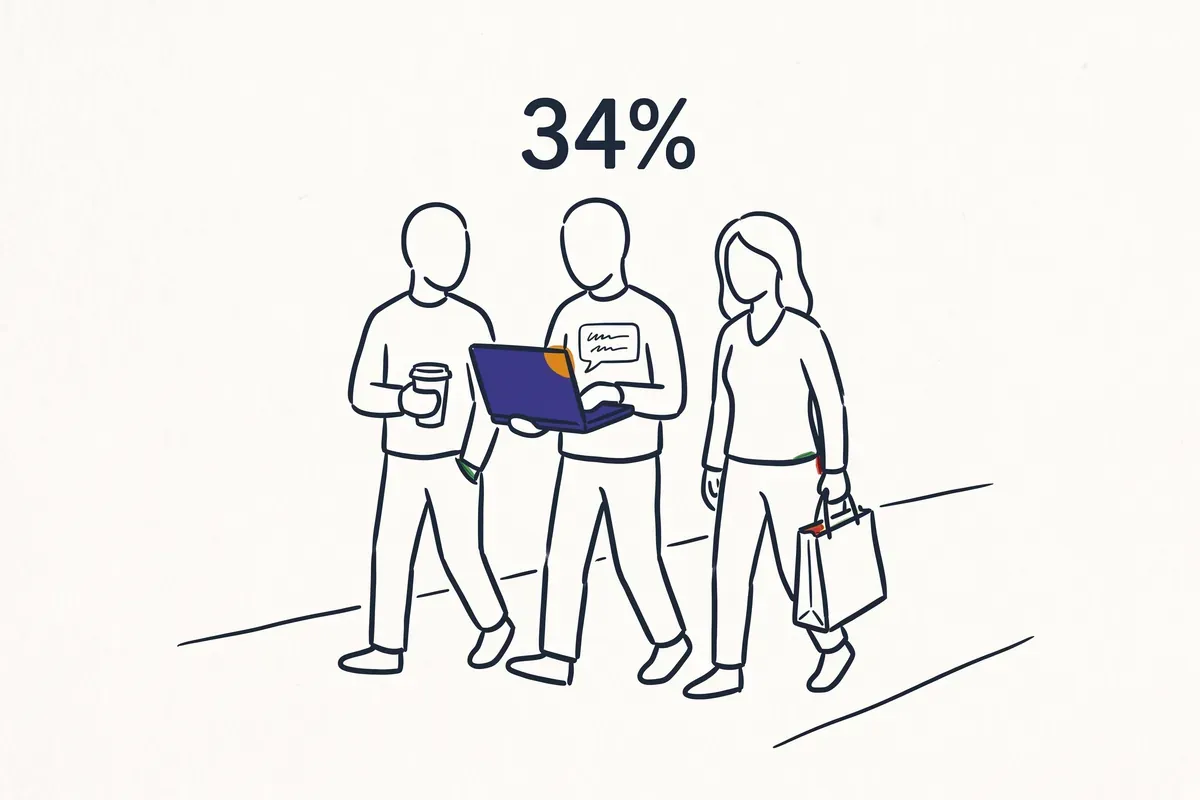
Pew Research Center’s 2025 short read tracks ChatGPT use in general rather than writing specifically. The June 25, 2025 short read found that 34% of U.S. adults had ever used ChatGPT, about double the 2023 share, including 58% of adults under 30. Among employed adults, 28% used it for work, up 20 percentage points in two years. The survey of 5,123 adults ran from Feb. 24 to March 2, 2025.
34%
U.S. adults who had ever used ChatGPT, about double the 2023 share
Source: pewresearch.org, as of Nov 29, 2026
58%
Adults under 30 who had used ChatGPT
Source: pewresearch.org, as of Nov 29, 2026
28%
Employed adults who used ChatGPT for work, up 20 percentage points in two years
Source: pewresearch.org, as of Nov 29, 2026
Which tool fits which situation?
The right tool depends on what you’re writing and who else needs the voice.
Free
Free
Included
- Memory across conversations
Limits
- Limited usage every 5 hours and every week
Pro
$20.00 a month
$200.00 a year
Included
- Projects to organize chats and documents
Limits
- Prices exclude tax
Team
$25.00 a month
Limits
- Standard seat, billed monthly
Source: claude.com, as of Nov 29, 2026
Free
Free
Included
- 100 AI prompts
Pro
$30.00 a month
$144.00 a year
Included
- 2,000 AI prompts a month
- Tone adjustment
Limits
- Per member
Source: grammarly.com, as of Nov 29, 2026
Free CRM
Free
Included
- Breeze Assistant
- AI content writer
Limits
- No brand voice; HubSpot's help article lists it for Professional and Enterprise
Starter
$15.00 a month
Limits
- Per seat; new-customer discount that can be discontinued
- No brand voice
Professional
$50.00 a month
Limits
- Per seat
Enterprise
$75.00 a month
Limits
- Per seat
Source: hubspot.com, as of Nov 29, 2026

- A personal voice for emails and documents, set once: ChatGPT, with custom instructions, memory and project instructions, or Claude, with instructions that apply across every conversation.
- Fixing tone in text you already wrote, inside other apps: Grammarly.
- Company blogs and emails that match existing content: HubSpot brand voice, on a Professional or Enterprise subscription.
- Posts built from what you say, with the facts confirmed by you first: mull.
- Free to start: Claude Free, Grammarly Free with 100 AI prompts, HubSpot’s free CRM with its AI content writer (brand voice isn’t included), or mull Free with 3 posts.
What to do next
You can test any of these tools today with a few samples of your own writing and one real draft.
- Gather a few samples of your writing in the format you want back. If you use HubSpot, each needs at least 150 words for email or social posts and 500 for blog posts.
- Paste them into your chosen tool and ask it to summarize your tone and style before you ask for any draft.
- Save that summary as a custom instruction or project instruction so you don’t have to paste it every time.
- Draft one real piece, then edit it: cut em dashes and stock words, and add a specific date, number or next step.
- Read the result next to something you wrote alone. If it still sounds off, swap in a different sample and try again.
- If you plan to publish or sell the piece, rewrite enough of it yourself that the expression is clearly yours.
Prices and features as of Nov 29, 2026, from each product's own pages.
Frequently asked questions
Can AI imitate my writing style well enough to pass as human?
Matching your style and passing as human turn out to be separate problems. In the 2025 study 'How Well Do LLMs Imitate Human Writing Style?', completion prompting reached 99.9% agreement with the original author's style, yet human essays averaged a perplexity of 29.5 against 15.2 for the matched model output, so the AI text was far more predictable. The authors conclude that stylistic fidelity and statistical detectability are separable.
Is AI writing copyrightable?
Only the parts a human authored. The Copyright Office's Part 2 report also found that the case has not been made for changing existing law to give AI-generated outputs extra protection. The report comes in parts: Part 1, on digital replicas, was published July 31, 2024, and a pre-publication version of Part 3, on training AI models, came out May 9, 2025, with the final version still to be published.
Is there a free AI that will write for me?
Several tools have free tiers. Claude's Free plan includes memory across conversations, with usage limits every 5 hours and every week. Grammarly Free includes 100 AI prompts a month, and HubSpot's free CRM can generate email copy with AI for up to two users and 1,000 contacts, though HubSpot's brand voice needs a Professional or Enterprise subscription. mull's Free plan gives 3 posts in total with no card.
Does Grammarly use my writing to train AI?
Grammarly's homepage says it does not sell or monetize user content and does not allow its third-party service providers to train their models on user content. For Grammarly's own product improvement and training, its features page points to a separate 'Product Improvement and Training Control' page, so check your settings there. When tailored assistance features are on, Grammarly stores data tied to your account to personalize your suggestions, and opting out on the Feature customization page deletes the data stored for that feature.
Who uses ChatGPT for work the most?
Younger and more educated workers, according to Pew's 2025 survey. 38% of employed adults ages 18 to 29 said they had used ChatGPT on the job, compared with 30% of those 30 to 49 and 18% of those 50 and older. By education, 45% of employed adults with a postgraduate degree had used it at work, against 17% of those with a high school education or less.
Will readers notice that an edited AI draft started as AI?
The research doesn't answer that yet. The post-editing study measured style with embedding models and participants' own ratings, and its authors list reader perception as future work, including whether audiences notice leftover markers of AI style. They did find that the AI-like features left after editing were shared across participants, so those leftovers are the part to watch.
Sources
- Catch Me If You Can? Not Yet: LLMs Still Struggle to Imitate the Implicit Writing Styles of Everyday Authors
- Can You Make It Sound Like You? Post-Editing LLM-Generated Text for Personal Style
- How Well Do LLMs Imitate Human Writing Style?
- Set up brand voice using writing samples
- Customizing ChatGPT - Resource | OpenAI Academy
- Introducing GPT-6.2 Astra and Sol | OpenAI
- ChatGPT use among Americans roughly doubled since 2023 | Pew Research Center
- NewsNet Issue 1060 | U.S. Copyright Office
- Copyright and Artificial Intelligence | U.S. Copyright Office
- Plans & pricing | Claude by Anthropic
- Claude | The AI assistant for work
- Grammarly: Free AI Writing Assistance
- Grammarly Prices and Plans | Grammarly
- Product Features | Grammarly
- Grammarly Pro: The Best Plan for Individuals & Teams
- Marketing Software that Grows and Converts Demand | HubSpot
- Free CRM Software for Small Businesses | HubSpot